How to choose an online booking system for a service business
Running a service business means your calendar is your product. Every empty slot is lost revenue, and every phone call to arrange an appointment takes time away from customers who are already in front of you. An online booking system solves both problems — if you choose the right one. This guide walks you through what to look for, in the order that matters most.
Start with how your customers book today
Before comparing tools, write down how appointments arrive now: phone, messages, walk-ins, email. Note who usually books (new or returning customers), when they do it (often in the evening, when you are closed) and what goes wrong (double bookings, forgotten appointments, long back-and-forth about free times). The right system should remove these specific pain points, not add new screens to your day.
Must-have 1: a booking page customers actually use
Your customers should be able to book in under a minute, on a phone, without creating an account first. Look for:
- a clean public booking page with your services, prices and duration,
- real-time availability based on your opening hours, breaks and existing appointments,
- support for several locations, each with its own opening hours,
- confirmation by email with a calendar invitation,
- your branding and language — ideally several languages if you serve tourists or expats.
Must-have 2: a calendar that matches how your team works
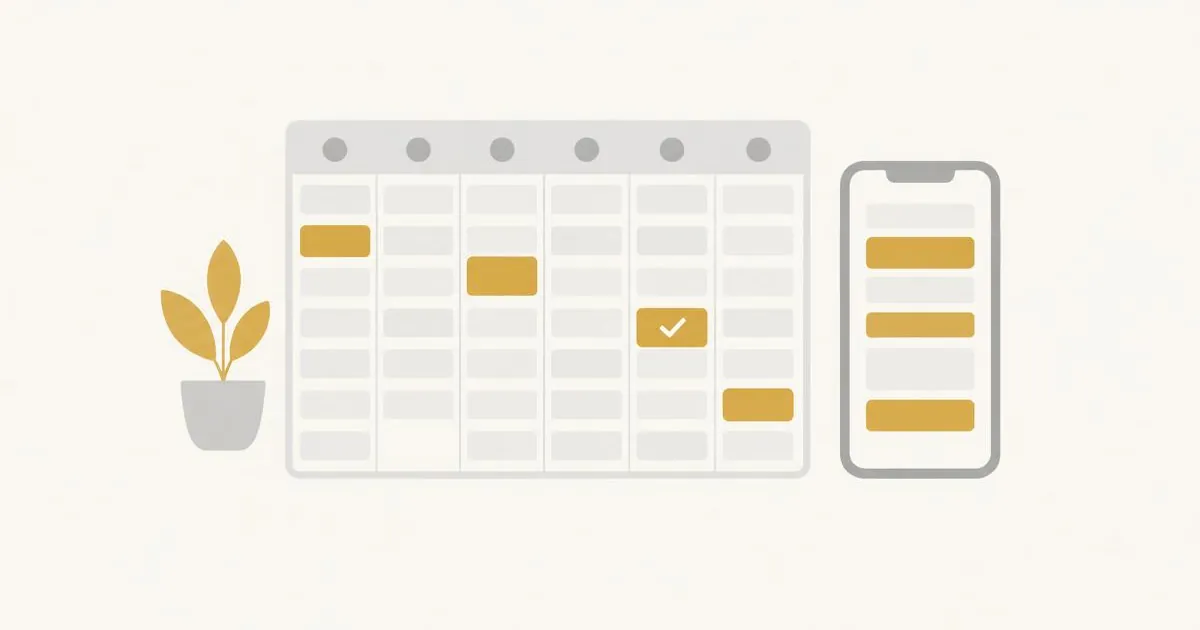
The staff calendar is where you spend most of your time. It should show appointments per day and week, let you block time for breaks or holidays, and prevent overlapping bookings automatically. Check how easy it is to move an appointment and whether the customer is notified about the change.
Must-have 3: customer records in one place
Every booking creates a customer record. A good system keeps contact details, visit history, notes and consents together, so you can greet a returning customer properly and contact them when needed. Make sure you can export the data and that customers can manage their own bookings.
Must-have 4: automatic reminders and confirmations
Reminders are the simplest way to protect your calendar. Choose a system that sends confirmations and reminders automatically, lets customers cancel or reschedule on their own and frees the slot immediately for someone else.
Nice to have: tools that grow revenue
Once the basics work, extras can make a real difference: gift cards customers can buy online, memberships and loyalty rewards, email campaigns to past customers, review requests after a visit and forms or documents customers fill in before or after an appointment. You do not need all of them on day one, but it helps when they live in the same system as your bookings.
Data protection and trust
You will store personal data, so the provider must take GDPR seriously: clear legal documents, a data processing agreement, consent management for marketing and the option to export or delete customer data. Ask where data is processed and which subcontractors are involved.
The new factor: an AI assistant
Modern booking systems increasingly include an AI assistant. Instead of clicking through menus, you can type or say "Book Jana for a haircut next Friday at ten" and the assistant finds the customer, checks availability and prepares the booking for you to confirm. This saves minutes on every call and is especially useful when your hands are busy.
A short checklist
- Customers can book online in under a minute, on mobile, without an account.
- Availability respects opening hours per location, breaks and existing bookings.
- Automatic confirmations, reminders and self-service cancellation.
- One customer record with history, notes and consents.
- Clear GDPR documentation and data export.
- Room to grow: gift cards, memberships, campaigns, reviews.
- Optional AI assistant that prepares bookings for you to confirm.
Frequently asked questions
Do my customers need to create an account to book?
They should not have to. A good booking page lets customers book with their name and contact details; an optional customer portal can be offered for managing bookings later.
Can one system handle several locations?
Yes, look for per-location opening hours and services so that availability is always correct for the place the customer chooses.
How long does it take to start?
With services, opening hours and staff set up, you can share your booking link the same day.