How to reduce no-shows: reminders, confirmations and a waiting list
A customer who does not show up costs you the slot, the preparation and often another customer who would have gladly taken that time. The good news: most no-shows are not bad intentions, but forgotten appointments or plans that changed. That makes them preventable.
Why customers miss appointments
The common reasons are simple: the booking was made weeks ago, the time was not added to a personal calendar, cancelling felt complicated, or the customer did not think it mattered. Each reason has a matching fix.
1. Confirm every booking immediately
Send a confirmation right after booking, with date, time, location and a calendar invitation the customer can add with one tap. A booking that lives in the customer's own calendar is much harder to forget.
2. Send automatic reminders
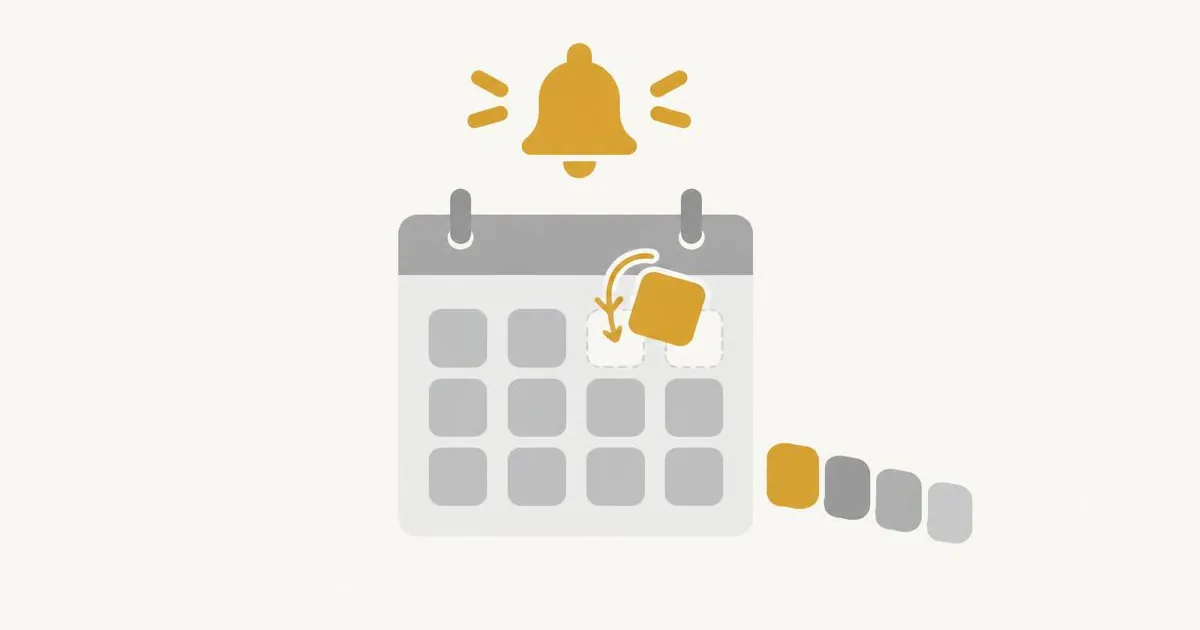
A reminder shortly before the appointment is the single most effective habit. It should be automatic, so it never depends on someone remembering to send it, and it should include the address and a way to cancel or reschedule.
3. Make cancelling easy
It sounds counter-intuitive, but easy cancellation reduces no-shows. If a customer can cancel in a few seconds through a link or a customer portal, they will do it instead of simply not coming — and you get the slot back in time to fill it.
4. Fill freed slots with a waiting list
A waiting list turns cancellations into new bookings. Customers who wanted a fully booked time can sign up, and when a slot frees up, you can offer it to them quickly.
5. Set clear, friendly rules
Write down your cancellation policy in plain words and show it during booking. Customers respect rules they knew about in advance. Keep the tone friendly — the goal is a full calendar, not penalties.
6. Learn from your data
Look at which services, days or times have the most missed appointments. Adjusting reminder timing or opening hours for those cases often helps more than any general rule.
How Agent Bookie helps
Agent Bookie sends booking confirmations with a calendar invitation and automatic reminders, lets customers manage their bookings through a customer portal, notifies them when a staff member moves an appointment and supports a waiting list. Reports show you how bookings and cancellations develop over time.
Frequently asked questions
When should a reminder be sent?
Typically the day before the appointment. The best timing depends on your services — test what works for your customers.
Will easy cancellation not lead to more cancellations?
Customers who cannot come will not come either way. Easy cancellation simply lets you know early enough to fill the slot.
What is a waiting list good for?
It gives customers a chance to get a fully booked time if someone cancels, and it helps you keep the calendar full.